
AI GIF Generator
Describe a scene or drop in a reference image — get a seamless looping GIF ready to send, post, or embed anywhere. No timeline, no keyframes, no video editor.
What will you make move?
Try these AI GIF Generator ideas. Select a card to load its prompt in the editor, then make it yours.
A clearer way to start
One sentence, one looping GIF
GIFGenerator is an AI GIF generator and AI GIF maker for short, useful motion. Describe a scene in plain language, animate a still in the Image to GIF tab, or switch to Frames to GIF when you already have the frames. GPT Image 2.6 supports image-conditioned GIF requests, while the browser converter gives you a predictable local export.
Can AI make a GIF from a sentence?
Yes. Write the subject, action, and loop idea in the Text to GIF tab — for example, “a paper plane circles a moon, seamless loop.”
What does GPT Image 2.6 add?
The model can return animated GIF output from a prompt or reference image, so you start from an idea instead of drawing a frame grid and stitching it yourself.
Can I make a GIF from an image?
Yes. The Image to GIF tab animates an uploaded still with AI — drop in one or more images, describe the motion (or leave it empty), and GPT Image 2.6 returns a looping GIF. For a fixed sequence, use Frames to GIF to combine 2–30 PNG, JPEG, or WebP frames in your browser.
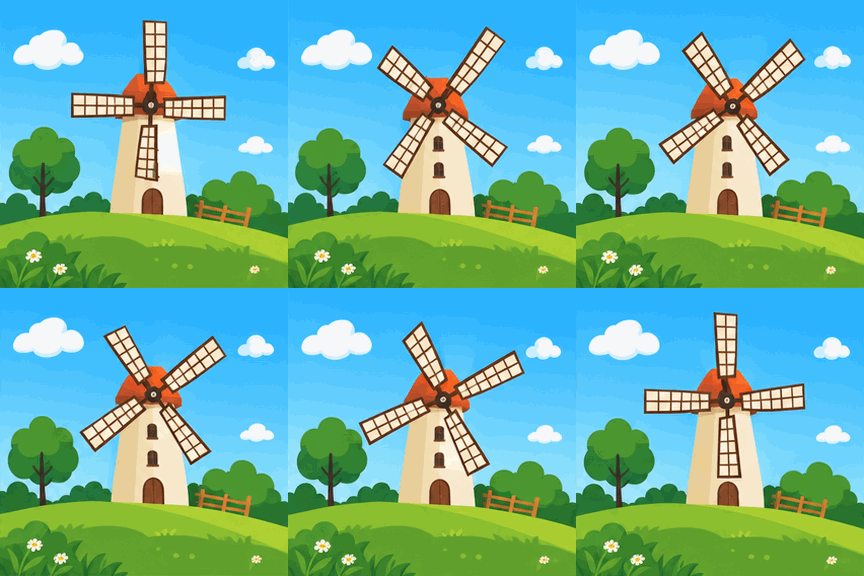
Choose the right motion format
Why a GIF instead of a video?
A GIF is the better fit when the message is short, silent, and meant to repeat. It starts in context, keeps the viewer in the page, and works well for reactions, product details, tutorials, and tiny explanations.
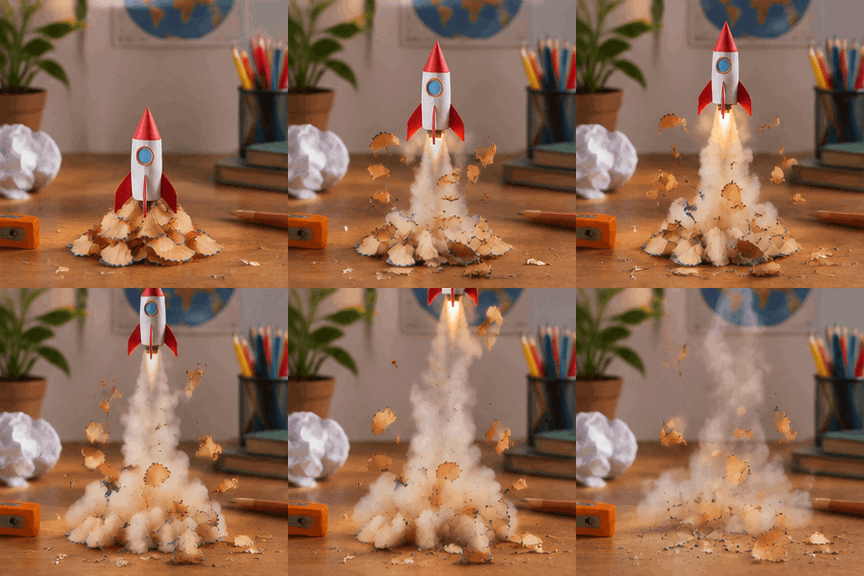
Starts where it appears
In many chats, docs, and README previews, a GIF begins playing without asking someone to find a play button.
Repeats the point
A short loop can show a reaction, gesture, or UI step continuously while the reader keeps their place.
Easy to pass around
GIF is a familiar single-file format for quick visual context when you do not need sound, a long timeline, or cinematic detail.
Choose video when you need audio, longer scenes, smoother gradients, or maximum detail. GIFs trade those advantages for instant, silent looping.
Two starting points
AI generation or manual image to GIF
Both paths end in a downloadable GIF, but they solve different jobs. Pick the one that matches the material you already have.
How to use the AI GIF Generator
Our AI GIF maker turns a prompt or reference image into a GIF in three steps: describe the scene, choose the pace, and download the loop.
- 1
Say what should happen
Describe one subject and one repeating action. For a pixel art GIF, ask for a limited palette and clear outlines: "a pixel-art cat blinking beside a coffee cup, seamless loop."
- 2
Choose the pace
A slow 5 fps drift for moods, 10 fps for the everyday, 20 fps for reactions that need to snap. The loop length shows before you generate: 16 frames means 3.2, 1.6, or 0.8 seconds.
- 3
Download it and send it
Preview the loop, download the raw GIF, drop it into Discord, Slack, a lesson, or a product page. Nothing gets stamped on your frames on the way out.
AI GIF Generator features
An AI GIF maker with frame-rate controls, upfront pricing, and downloads without a watermark. The image combiner runs locally in your browser.
You set the pace
5, 10, or 20 frames per second, applied to the whole loop. Slow burns and snappy reactions come from the same tool, not a fixed tempo someone else picked.
The price is on the button
5, 10, or 15 credits per GIF depending on quality, shown before you commit. If a generation fails, the credits come back by themselves.
No watermark, no asterisk
Downloads are the raw GIF file. Nothing burned into the frames, no export screen asking you to sign up again.
Frames to GIF in your browser
For photo to GIF conversion, drop up to 30 PNG, JPEG, or WebP frames and combine them into one GIF — free, no account, nothing uploaded. To bring a single still to life instead, switch to Image to GIF and let AI animate it.
Transparency survives the trip
PNG frames with alpha keep their clear areas through conversion, ready for stickers, overlays, and sprite sheets.
One screen, start to finish
Input on the left, your GIF on the right. It fits on a laptop and it fits on a phone, with no wizard and no hidden settings tab.
Frequently asked questions
The details worth knowing before your first GIF.
From the blog
Product updates, guides, and engineering notes from the team.
Your first GIF is free
Start with one sentence in the AI GIF Generator, preview the animation, and download your GIF.